
AI providers
AI providers
Pollen8 is provider-agnostic. You configure one or more upstream LLM providers; Pollen8 picks the right one per skill (chat, NL→SQL, analysis, RAG synthesis).
Open Admin → AI Providers.
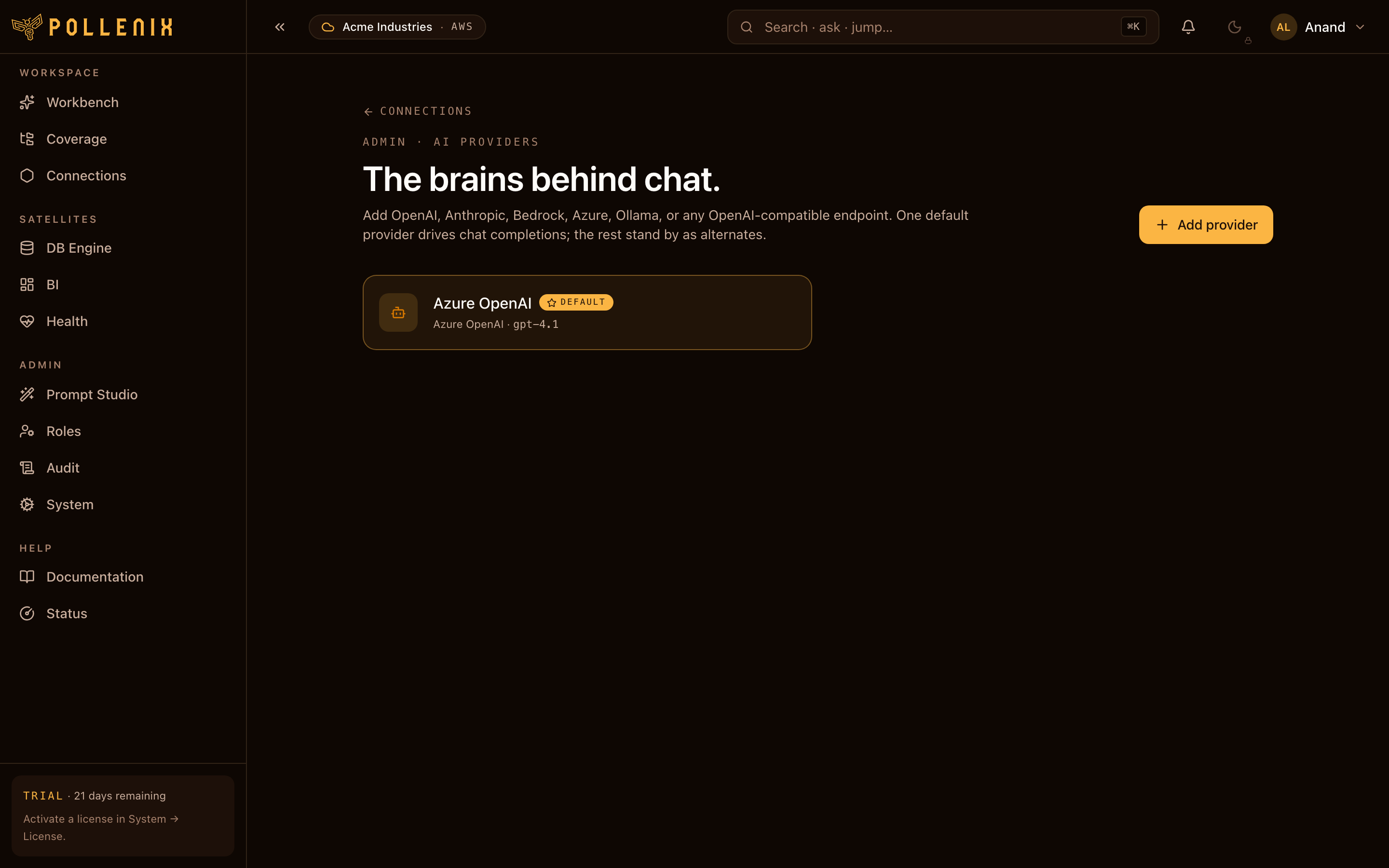
Supported providers
| Kind | Credentials | Notes |
|---|---|---|
openai | API key | Standard gpt-* models. |
azure_openai | Endpoint + API key + deployment name | Use this for your enterprise-tenant Azure OpenAI deployment. |
anthropic | API key | Claude models. |
bedrock | IAM role with bedrock:InvokeModel | Uses the cluster’s IRSA — no API key. |
google_vertex | Service account JSON | Gemini models. |
local (Ollama / vLLM) | Endpoint URL | For air-gapped deployments. |
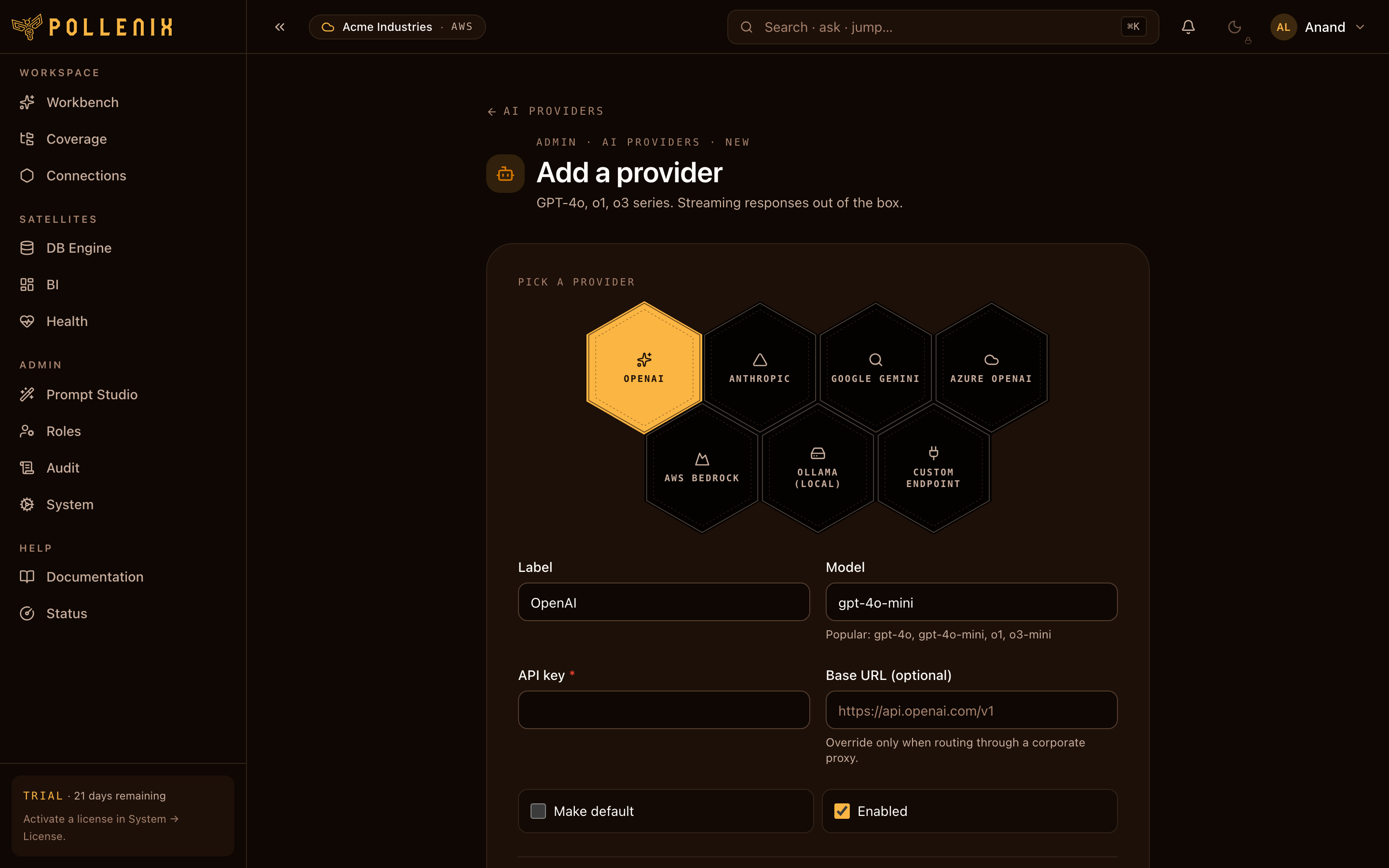
Add a provider
- Click Add provider.
- Pick the kind and enter the credentials.
- Optionally name it (
production,cheap-pool,claude-prod). - Click Test — Pollen8 issues a single short prompt and shows the response (or the error).
- Click Save when the test is green.
The default provider
The provider marked Default is used for general chat and the analyzer step of the DB skill. Promote / demote via the row menu.
If no default is set, Pollen8 degrades gracefully — chat shows a notice asking an admin to configure one.
Per-skill providers
For finer control, bind a specific provider to a specific skill:
| Skill | What it does |
|---|---|
chat.default | Plain chat answers. |
db.sql_writer | Turns natural-language questions into SQL. |
db.analyzer | Writes the short narrative above each chart. |
files.synthesizer | RAG answer over pinned files. |
Open a provider row → Bind to skills. A provider can serve any number of skills.
Cost guardrails
Each provider row carries an optional monthly USD cap. Pollen8 tracks usage in real time and degrades to fallback providers (or blocks new requests) when the cap is reached. See Admin → System → Cost for the live spend.
Rotation
Rotating an API key is a one-step swap:
- Open the provider row.
- Paste the new key.
- Test — confirms the new key works.
- Save — replaces the old key atomically.
Old keys are wiped from the vault on save; nothing to clean up manually.