
Signing in
Signing in
Pollen8 supports three sign-in methods. The first one offered depends on what your tenant admin enabled.
| Method | When to pick it | How it works |
|---|---|---|
| Passkey | Best for daily users on a managed device | Browser-native, no shared secrets. Touch ID / Windows Hello / hardware key. |
| OTP (one-time email code) | First sign-in, password recovery | 6-digit code emailed via Resend. 10-minute expiry, single use. |
| Password | Fallback / API automation | Standard email+password. Argon2-hashed at rest. |
| SSO (Microsoft / Google) | Available when an admin has configured an SSO provider | Standard OIDC. Your IdP decides who can sign in. |
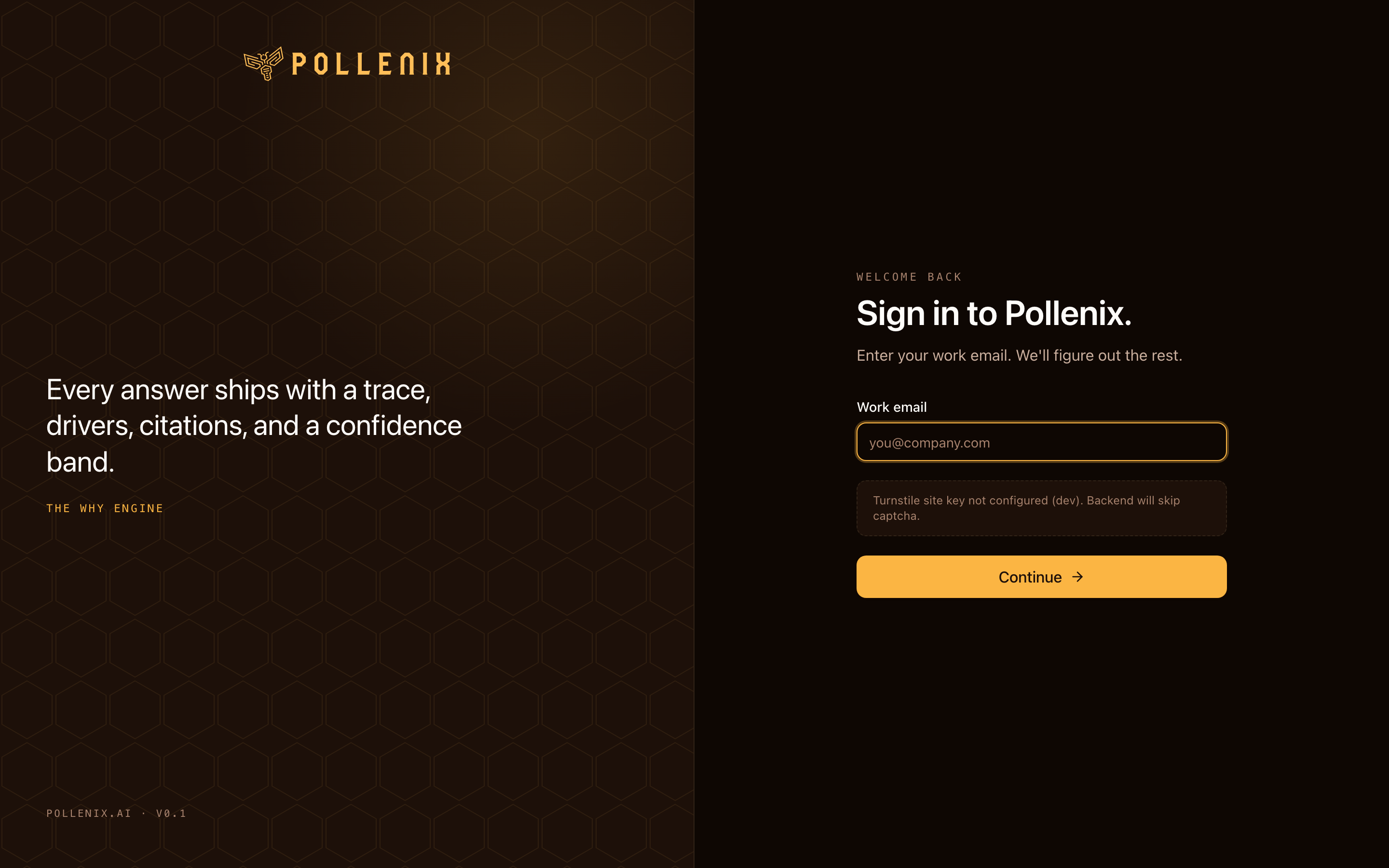
Recovering a lost password
- Click Sign in, enter your email.
- Choose Sign in with code to fall back to OTP.
- Receive the code in your inbox, paste it.
- Once signed in, update your password (or enroll a passkey) from Account → Sign-in.
Captcha (Turnstile)
Production deployments protect sign-in with Cloudflare Turnstile. If your admin has wired this up, you’ll see a brief challenge widget. In dev environments, Turnstile is optional.
Account lockout
After too many failed sign-in attempts in a short window, your account is temporarily locked. An admin can unlock you from Admin → Roles; otherwise the lock clears automatically after 15 minutes.