
Users overview
Users overview
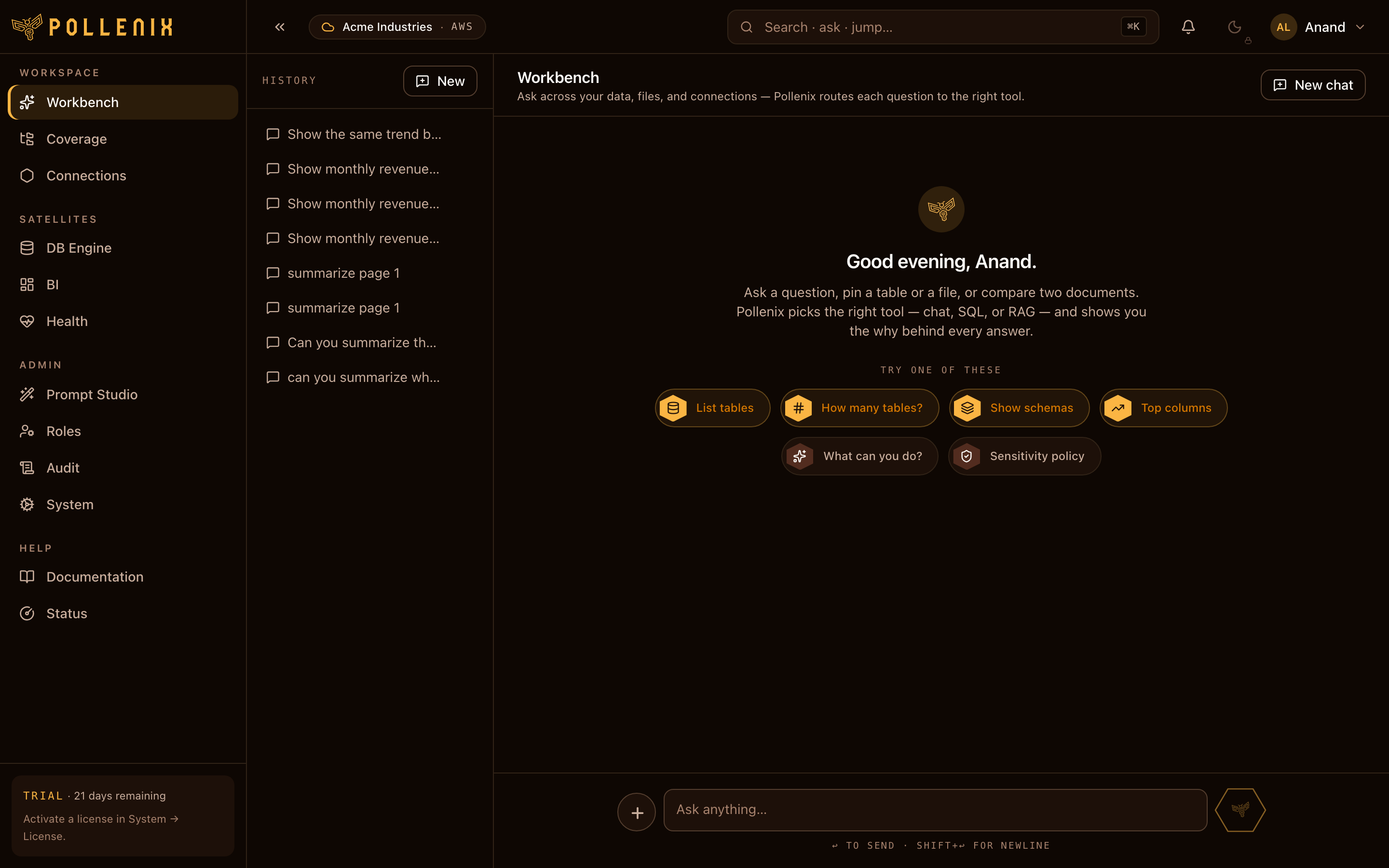
Pollen8 has three main user-facing surfaces — the Workbench (ask questions), Coverage (manage files), and BI (dashboards). This section walks through each.
Coming in v0.2
The full guide for Users overview is being expanded. Until then:
- Find this surface in the navbar / sidebar under the path shown above.
- Settings persist instantly; no save button unless the page has one.
- Every change emits an audit event — see Audit.