
Admin overview
Admin overview
Pollen8’s admin surfaces live under three top-level navigation areas:
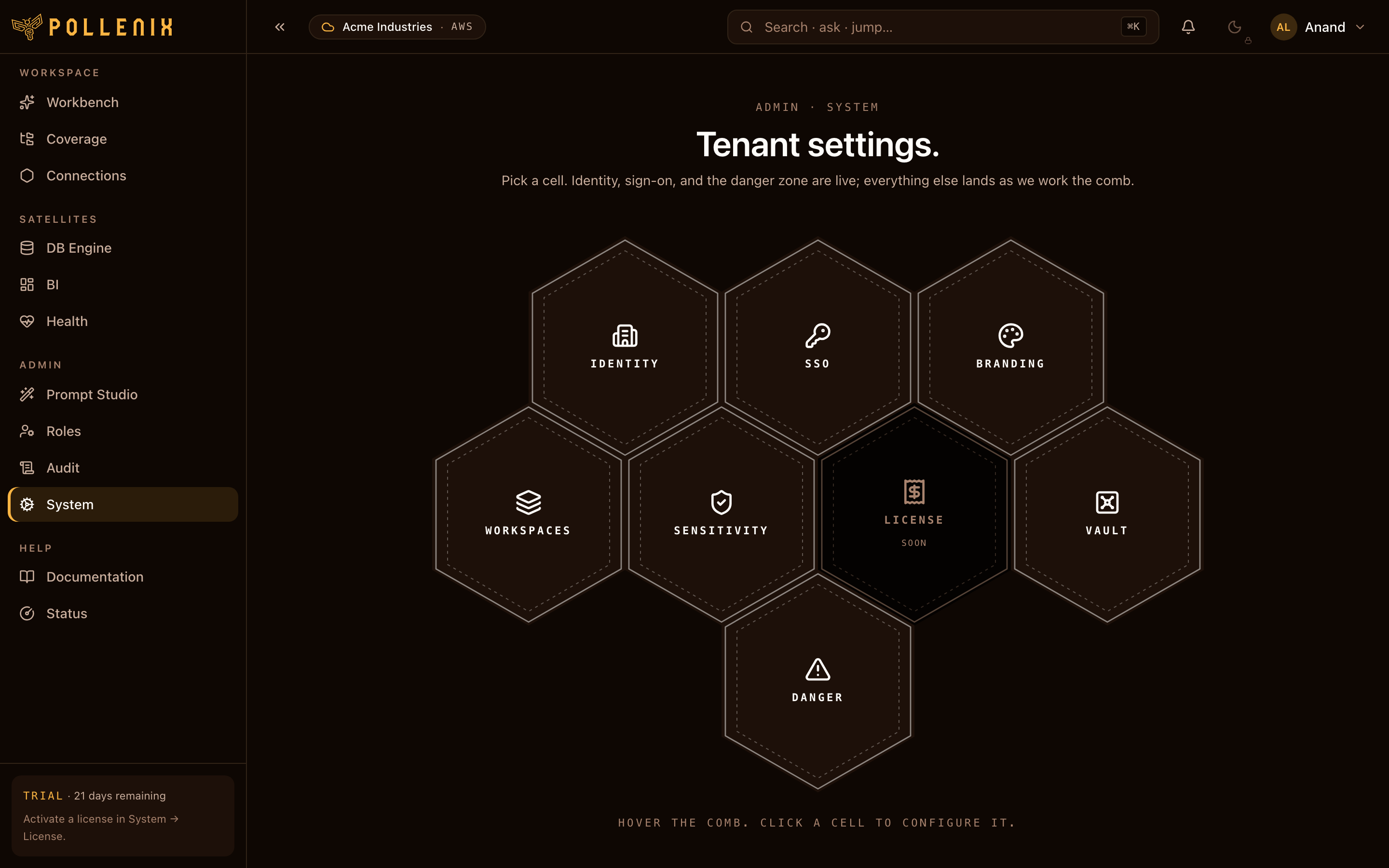
- Admin — system identity, branding, AI providers, sign-in (SSO), vault, audit log.
- Connections — database connections + per-user/role/workspace grants.
- Prompt Studio — tone library, role/user bindings, skill prompt overrides.
- Workspaces & Roles — multi-tenant organizational structure.
This page is your launchpad. Each section below links to the dedicated guide.
Day-1 setup checklist
After completing the first-run wizard, walk this list once:
- Add a DB connection so the Workbench can answer questions over your data — Connections.
- Configure your sensitivity policy — what gets masked when going to the LLM, what gets re-scanned coming back — PII policy.
- Decide your tone: pick an industry preset or build your own — Tone library.
- (Optional) Override a skill prompt if you need finer control over how SQL is written or how files are answered — Skill prompts.
- (Optional) Wire SSO to your identity provider — SSO.
- Invite the rest of your team — Invites.
Day-N operations
- Audit log — every config change, every PII reveal, every license action is hashed and chained. Inspect it from Audit.
- License activation — bind your Marketplace subscription to the tenant — License.
- Branding — colors, logo, copy — Branding.
Roles
| Role | Can do |
|---|---|
app_admin | Everything — tenant ownership, system config, license. |
admin | Configure providers, connections, prompts, sensitivity. |
member | Use the Workbench, Coverage, BI. Sees what their grants allow. |
viewer | Read-only access to assigned dashboards. |
breakglass | One-off emergency role with elevated DB access; audited heavily. |
App-admin is yours — member is what most of your team should be.
Promote sparingly.